Nintex Automation K2 brings forms, workflows and connected business information into applications that support work across departments. It is the current name of the platform many organisations know as K2 Five.
01
Applications for people
Give users a place to enter information, review a case, make a decision and see their next task.
02
Processes across systems
Connect the steps between a request, an approval and the information held in other business applications.
03
Your deployment environment
Use a self-hosted platform where your organisation needs control over its infrastructure and application environment.
When does Automation K2 make sense?
Consider the platform when a process has outgrown email and spreadsheets, or when a standard application does not fit the way your organisation needs to work. Typical signs are several approval routes, information spread across systems, repeated manual entry and difficulty establishing who should act next.
For example, a risk assessment may need review before mitigation tasks are assigned. A service incident may lead to a problem investigation and an approved change. A contract record may need to remain connected to correspondence and invoices. These are application requirements as well as workflow requirements.
Forms and applications
SmartForms provide the user-facing part of a solution. Forms bring together views, fields and rules so that users can capture, review and update information in the context of their task. Validation and presentation are designed around the process and the people using it.
We define what each role needs to see and do, including the information required at each step. Reusable views and a consistent structure help keep related parts of an application manageable as it grows.
Workflows and task coordination
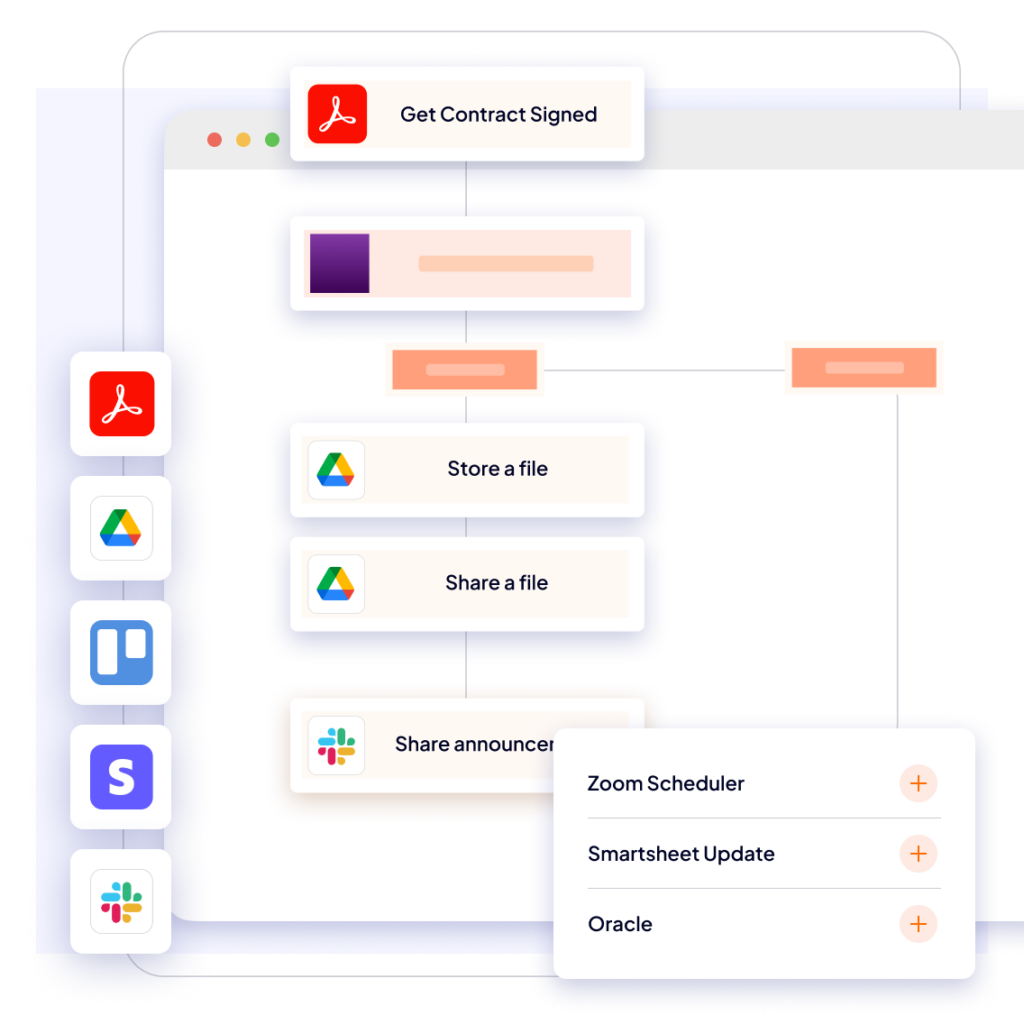
A workflow connects the decisions and actions in a business process. The design should address both the normal route and the exceptions: missing information, a request returned for revision, a change in responsibility or a dependency on another team.
We translate those requirements into application behaviour. Task access can use K2 Worklist and, where required, integration with an existing customer workspace. The working environment is agreed with your team rather than assumed to be a separate dashboard.
Integration with business systems
SmartObjects provide an integration layer between data sources and the forms and processes that use them. Depending on the environment, integrations can use SQL Server, SharePoint, REST, OData, WCF and other supported interfaces.
The important questions are practical: which system owns the information, what the application may read or update, and what should happen when a connection is unavailable. Our analysis establishes those rules before development commitments are made.
Business systems
Registers · databases · APIs
→
Integration layer
SmartObjects
→
Business applications
Forms · workflows · tasks
Reporting and management visibility
An application should make its information useful to process owners as well as individual users. Reporting requirements determine what needs to be recorded, how it should be structured and which audience may access it.
Our risk management work includes Microsoft Power BI reporting. For a new implementation, we agree the required measures and views, the source data and the responsibilities for maintaining them.
Control and continued development
Automation K2 supports self-hosted application delivery and offers authentication, access control and administration capabilities. Their suitability and configuration depend on the chosen release, infrastructure and organisational requirements.
Custom controls, integration extensions and additional development can address requirements beyond a basic configuration. We assess those needs during analysis and include the associated testing and maintenance in the delivery discussion.
What we have built with the platform
Risk management
Assessments, approvals, mitigation measures, LVRTC eParaksts integration and Power BI reporting.
Service management
Task, incident, problem and change management based on ITIL v3 practices.
Connected information
Integration with registers and systems, event handling and configurable information exchange.
From an idea to a maintained application
We start with the process, its users and its dependencies. Analysis defines the scope and acceptance criteria. Development and review turn that scope into working functionality, followed by testing, implementation, documentation and maintenance.
A solution is adapted to each customer. Our established implementations provide useful experience, but roles, integrations and reporting still need to be agreed for your organisation.
Arrange a demonstration
Tell us which process or capability you would like to explore. We can arrange a demonstration and discuss access to a demo environment by agreement. The format and available examples depend on the requirements and access conditions agreed beforehand.
Questions about Automation K2
Is this the same platform as K2 Five?
Nintex Automation K2 is the current product name associated with the K2 Five lineage. Older installations and documentation may use K2 Five or K2 blackpearl. Installed versions, support and upgrade paths need to be assessed for the specific environment.
Can you work with an existing application?
Yes. We can discuss assessment, maintenance and further development of an existing solution. We begin by reviewing its structure, integrations and available documentation.
Do we need to replace all our systems?
The purpose of the integration discussion is to establish how the application should work with your existing systems. Feasibility depends on available interfaces, permissions and the scope of the process.
Can we buy licences through Web CheckIn?
Yes. As a Nintex Registered Partner, we provide licensing proposals. Product packaging, deployment requirements and services are confirmed for your organisation.
