Before connecting two systems, agree what the data means
Data integration needs an agreed meaning for the information being exchanged. Before connecting systems, establish ownership, currency and the process for handling exceptions.
A working connection is one part of the requirement
An interface may let an application retrieve a record. The business still needs to know whether it is the right record, how current it is and what should happen if it cannot be retrieved.
These questions determine whether the connection will be useful in the process it is meant to support.
Establish the authoritative source
When the same information exists in several systems, agree which source should be used for each purpose. Decide whether the application may update it or should only read it.
For example, a workflow may need a current reference value while retaining the context used for a previous decision. The right treatment depends on the business requirement and must be made explicit in the design.
Define the failure path
Source systems can be unavailable. Permissions can change. Information may be incomplete.
Discuss which failures should stop the process, which require a person to review the record and which can be handled through a later retry. The agreed behaviour should be understandable to users as well as developers.
Match the connection to the available interface
We use K2 for integrations involving REST, SQL, SharePoint, WCF and other suitable interfaces. Availability of an interface does not remove the need to check authentication, permissions and the source system’s rules for its use.
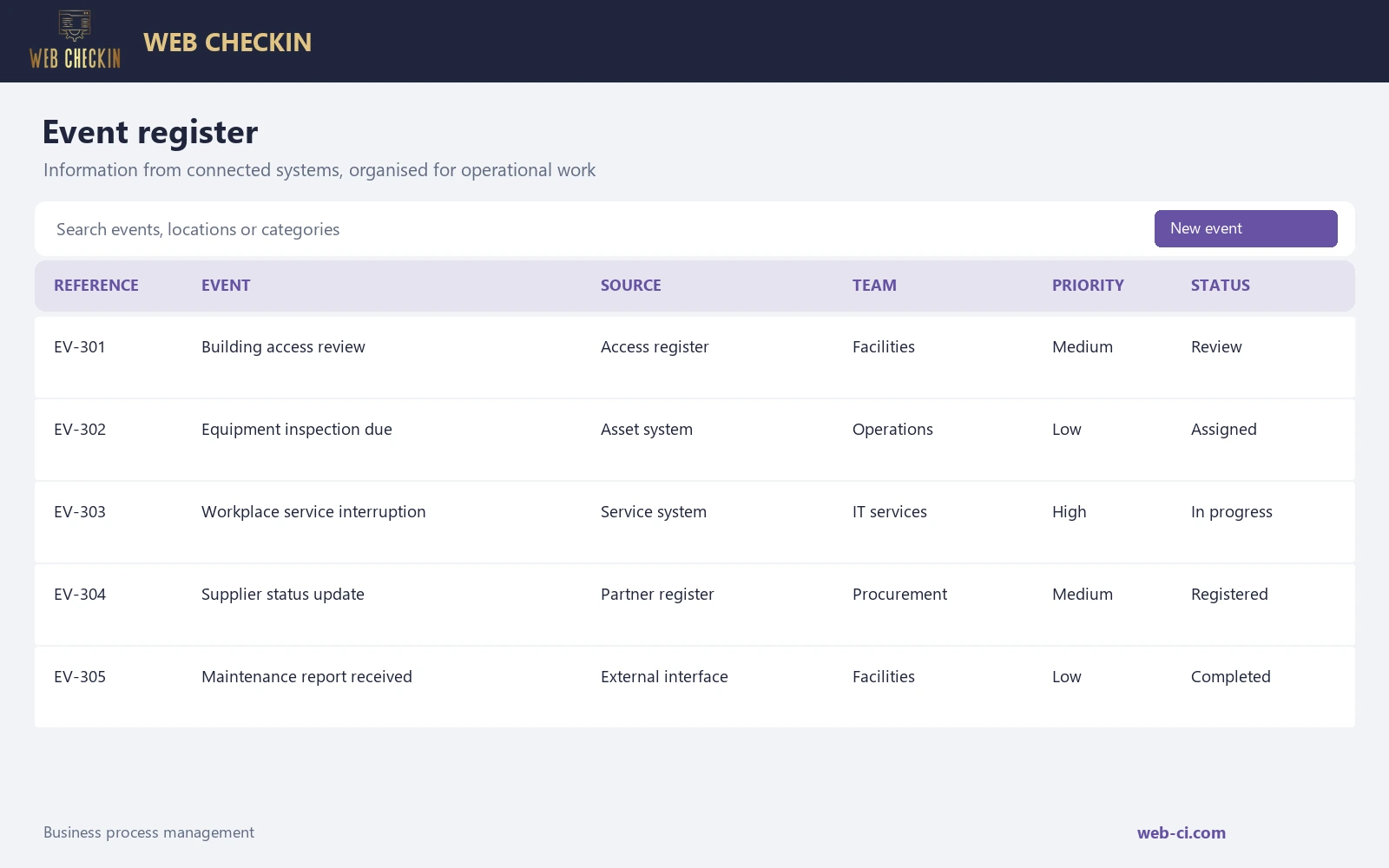
Our integration and event management work has combined information from multiple registers and systems with reporting, automation and configurable information exchange sites. The connection is valuable because it forms part of a usable application.
Write acceptance checks in process terms
Technical checks confirm that information can be exchanged. Business acceptance should also examine whether the user sees the required information and can complete the intended action.
Include examples with missing information, a failed connection and a changed source record. Those checks make the expected behaviour clearer before the integration is relied on in daily work.
Discuss your systems and process requirements with Web CheckIn before selecting an integration approach.
Share this content:
